Run a one-prize giveaway
Giveaways · 3 min read ·
Create a giveaway, choose how viewers enter, pull winners, and finish the prize in Fulfilment.
A giveaway has one prize and one ticket pool. Set Quantity if several winners can receive the same prize. If viewers should choose among different prizes, use a raffle.
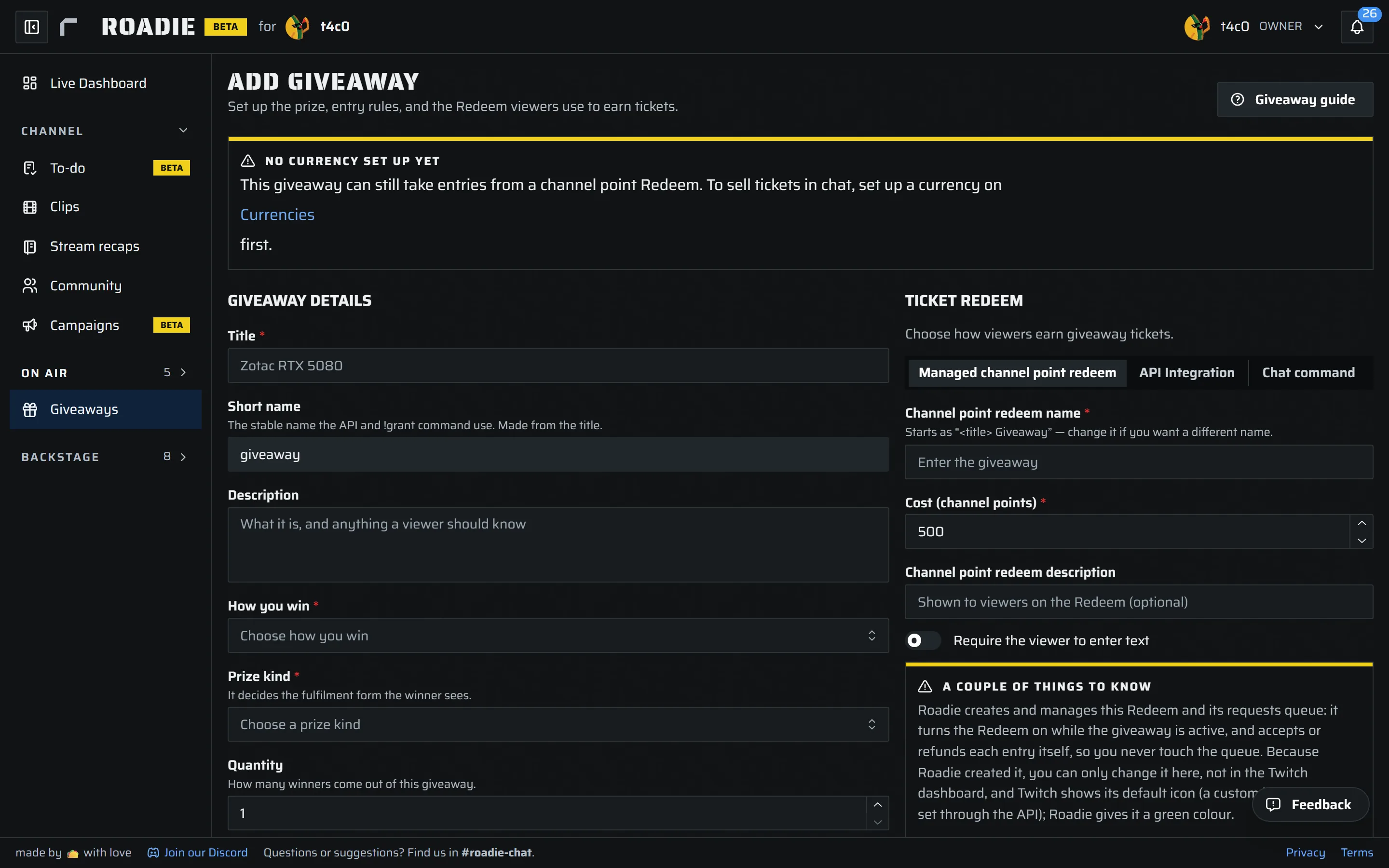
Create the giveaway
- Open Giveaways and select Add giveaway. Enter a unique title and description. Roadie makes the Short name from the title; it is used by the API and stays fixed after creation.
- Choose How you win: Standard for a normal draw, or Present to win when the winner must claim within a time you set. Choose Digital or Physical for the prize kind. A physical prize also needs a shipping region.
- Set Quantity and any optional limits, such as maximum tickets per user or Winners must be unique. For a digital prize, you can choose a key group. You can also offer choices for the winner to select on their Winnings page.
- Choose how viewers enter, then select Create giveaway. It starts as a draft.
Entry options include a Roadie-managed channel point Redeem, API Integration, and a Chat command. The form shows the settings for the option you select. With a managed Redeem, set its channel point cost and tickets per redemption; Roadie turns it on while the giveaway is active and handles entry requests. With API Integration, create the giveaway first, then edit it to copy a grant command for your bot. Treat that command and its token as private. For Chat command entry, choose an active currency and a price per ticket. The form shows the exact command viewers can use with this giveaway's short name.
Start and pick winners
On Giveaways, select Start when setup is ready. Entries only count while the giveaway is active. Open Entrants to review tickets; you can correct a ticket count or remove an entrant there. Select Pull a winner when you are ready. The draw is weighted by tickets, and the Winners list records who was picked.
The giveaway does not close itself when the last prize is drawn: Roadie asks whether to Close it or keep it open. You can also close it manually, then Reopen it if needed. End giveaway archives it into the ledger. Use Fulfilment to handle the winner's claim and prize delivery. For a present-to-win giveaway, a missed claim returns for your decision; it does not trigger an automatic redraw.