Connect your services
Connectors · 2 min read ·
Tiltify, DonorDrive, Fourthwall, Spotify, YouTube and Discord each take one step. Connect a service once, and what it brings arrives on its own.
Each service you tick in the Onboarding guide adds one step: what it brings, its connect control, and a check that turns green when it is connected. Every service also has its own page under Connectors, where you can connect, change or disconnect it any time.
Tiltify, Fourthwall and YouTube connect through their own sign-in. When you finish there, you land back on that service's page in Roadie. Open Onboarding under Backstage to carry on where you were.
Tiltify
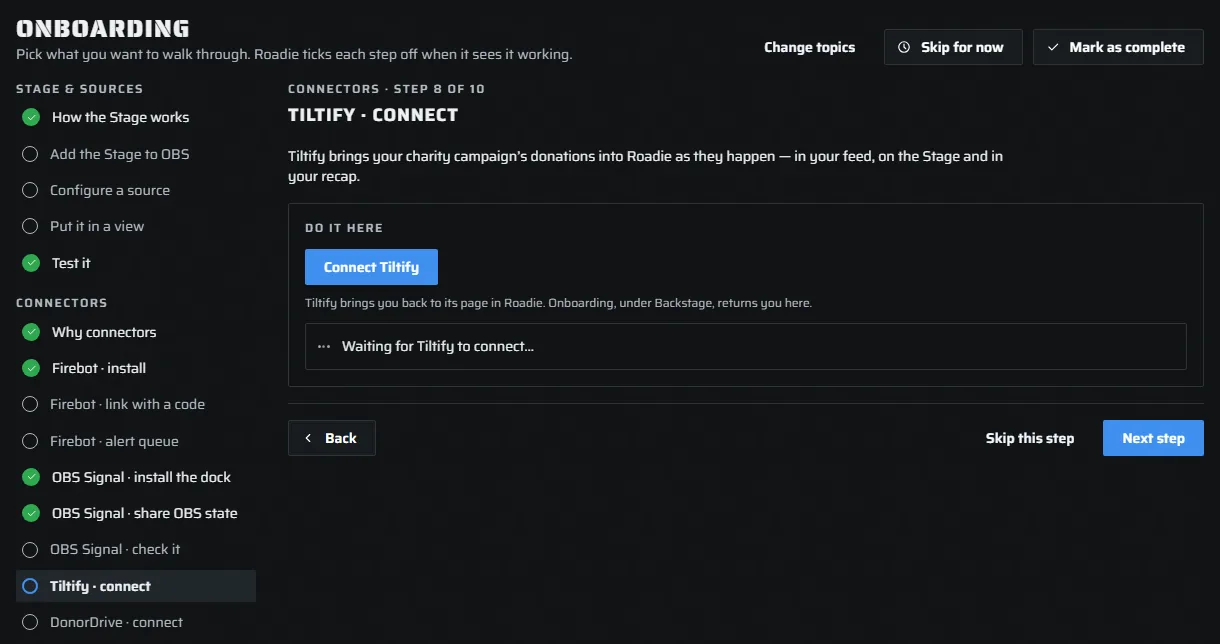
Your charity campaign's donations arrive in Roadie as they happen: in your feed, on the Stage and in your recap.
Press Connect Tiltify, sign in to Tiltify and approve. Then choose which campaigns Roadie tracks on Connectors › Tiltify.
DonorDrive (Extra Life)
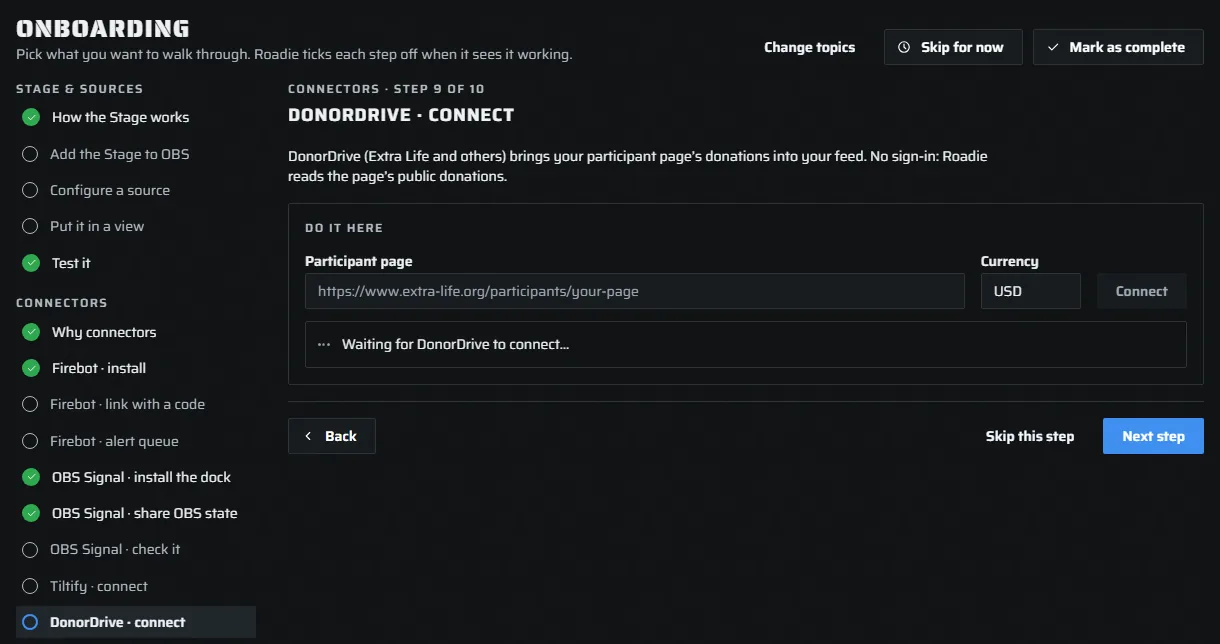
Your participant page's donations arrive in your feed. No sign-in: Roadie reads the page's public donations, the same ones anyone visiting it can see.
Paste your Participant page link (for example https://www.extra-life.org/participants/…) and press Connect. Extra Life is always USD; for another DonorDrive charity, set its Currency.
Fourthwall
Merch gifted to chat shows on the Stage and in your recap. Press Connect Fourthwall and approve Roadie on Fourthwall's own screen.
Spotify
Show what is playing on stream and run the song queue. Spotify needs a small app of your own: Connectors › Spotify fills in every value for Spotify's form, so you paste them at Spotify and paste two back. To keep music out of your VODs, see Keep Spotify out of your VODs.
YouTube
A title you set in Roadie goes to YouTube too, so a second stream stays in step. Press Connect YouTube and sign in with Google. If the sign-in expires later, the YouTube page asks you to connect again.
Discord
The stream recaps you choose to share post to a Discord channel you pick. On Connectors › Discord, add a webhook for that channel. In Discord, that is Server Settings › Integrations › Webhooks › New Webhook. Roadie sends a test post so you can see it arrive.